Seeing a flashing error code on your Daewoo washing machine can be frustrating, but don’t panic. These codes are your machine’s way of telling you exactly what’s wrong. This guide will help you understand the most common Daewoo washing machine error codes, what causes them, and how to fix them.
Every error code tells a story, and with the right knowledge, you can be the hero of your own appliance repair journey. This guide gives you the tools to understand what your Daewoo washing machine is saying. And when the story requires a professional’s touch, our team is here to write the happy ending. Daewoo Support
Understanding your Daewoo washing machine error codes is the first step toward a quick resolution. Many issues can be resolved with simple maintenance and basic troubleshooting. However, when in doubt, professional service ensures your appliance receives the correct diagnosis and genuine parts for lasting repair.
Before You Begin: Quick Checks
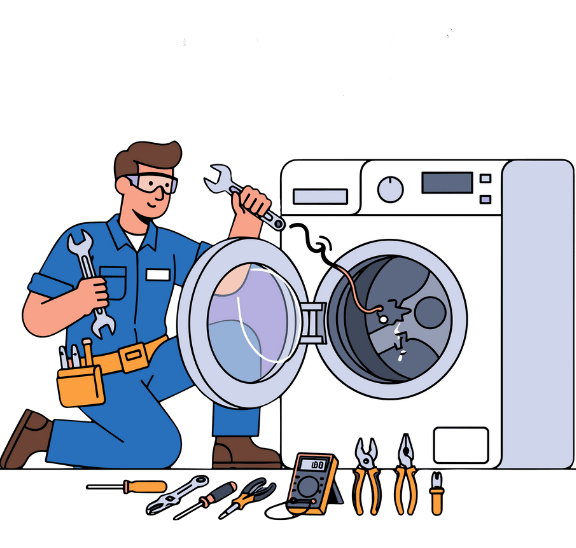
Before diving into detailed Daewoo washing machine error codes, perform these simple checks first:
- Is the machine plugged in? Check both the wall outlet and the power cord connection
- Is the water supply turned on? Ensure the water tap is fully open
- Is the door properly closed? You should hear a click when it latches
- Is the drain hose kinked? Straighten any bends or folds
Many Daewoo washing machine error codes disappear after checking these basic items. If the code persists, use the guide below.
How to Reset Your Daewoo Washing Machine Error Codes
A simple reset can clear temporary glitches and resolve many error codes. Here’s how:
- Turn off the washing machine
- Unplug it from the power outlet
- Wait 5-10 minutes (this allows internal components to fully discharge)
- Plug the machine back in and turn it on
- Run a test cycle to see if the issue is resolved
If the error code returns after resetting, professional diagnosis may be needed.
Detailed Troubleshooting by Error Type
1. Water Inlet Errors (IE)
If your Daewoo washing machine displays an IE code, it’s not getting enough water or the water isn’t entering at the required speed.
Step-by-step fixes:
- Check the water supply tap – Ensure it’s fully open
- Inspect the inlet hose – Look for kinks, folds, or damage; straighten if necessary
- Clean the inlet filter – Located where the hose connects to the machine. Turn off water, disconnect hose, remove filter, rinse under running water, and reinstall
- Check water pressure – Low home water pressure can trigger this error. Test by running another tap
If all checks pass but the Daewoo washing machine error codes persist, the water inlet valve or pressure switch may need professional replacement.
2. Drainage Errors (OE)
An OE error means your washing machine can’t drain water properly . This is one of the most common issues.
Step-by-step fixes:
- Check the drain hose – Ensure it’s not kinked, folded, or crushed. Straighten any bends
- Verify drain hose height – The hose should be placed no more than 1 meter (about 3 feet) above the floor
- Clean the pump filter – Usually located behind a small access panel at the front bottom of the machine. Open carefully, have a towel ready for spilled water, remove debris, and reinstall
- Clear any clogs – Check the drain hose for blockages by running water through it
If drainage issues continue after these steps, the drain pump may be faulty and require professional repair.
3. Unbalance Errors (UE)
A UE code appears when laundry is unevenly distributed inside the drum, preventing the machine from spinning safely.
Step-by-step fixes:
- Pause the cycle and open the door
- Redistribute laundry evenly around the drum. Avoid washing single heavy items alone (like a bathrobe or comforter)
- Remove some items if the drum is overloaded
- Check machine level – Use a spirit level on top of the machine. Adjust the feet if needed
For front-load machines, some thumping during spin initiation is normal as the machine balances the load. If the error persists, suspension components may need professional inspection.
4. Door Lock Errors (LE)
An LE error indicates the door isn’t locking properly or the machine doesn’t detect that it’s closed.
Step-by-step fixes:
- Open and firmly close the door – You should hear an audible click
- Check for trapped items – Look for clothing caught between the door and the seal
- Inspect the door seal – Remove any debris or obstructions
- Check for damage – Look for cracks or misalignment in the door latch mechanism
If the door closes properly but the Daewoo washing machine error codes persists, the door lock switch or its wiring may need professional replacement.
5. Motor Errors (E6, E8)
Motor-related Daewoo washing machine error codes like E6 (motor overload or jam) and E8 (motor failure) indicate problems with the machine’s drive system.
What you can check:
- Reduce the load – Overloading can strain the motor
- Check for unusual noises – Grinding or squealing during operation suggests mechanical issues
- Listen for the motor attempting to run – Complete silence may indicate electrical failure
When to call a professional: Motor repairs require specialized tools and expertise. Attempting DIY motor repair can be dangerous and may void your warranty.
6. Heating Errors (H2, H4, H5, H8)
Heating-related Daewoo washing machine error codes indicate problems with the water temperature system, common in machines with hot wash functions.
What these codes mean:
- H2 – Temperature sensor failure
- H4 – Sensor short circuit or overheating
- H5 – Water overheating
- H8 – Water temperature exceeds set temperature
Important safety note: These errors involve electrical components and heating elements. Do not attempt DIY repair unless you’re qualified to work with live electrical systems. Contact a certified technician.
7. Leakage Errors (E4)
An E4 error means water has been detected in the machine’s base pan, indicating a leak.
Step-by-step checks:
- Visually inspect around the machine – Look for water puddles or dampness
- Check all hose connections – Tighten any loose fittings
- Inspect the door seal – Look for tears or damage
- Check the detergent drawer – Overflow or blockage can cause leaks
Important: Unplug the machine immediately if you see significant water leakage. Do not operate until the source is identified and fixed.
8. Control Panel and Display Errors (F1, IB)
Errors like F1 (machine won’t start) or IB (control module failure) point to electronic control issues.
What to try before calling for service:
- Perform a hard reset – Unplug for 10 minutes, then reconnect
- Check for physical damage – Look for cracks or moisture on the control panel
- Test the outlet – Plug another device into the same outlet to ensure power is reaching the machine
When to call a professional: Control board repairs require specialized diagnostic equipment and programming. Professional service is strongly recommended if your Daewoo washing machine error codes are consistent.
How to Read Daewoo Washing Machine Error Codes on Models Without Displays
If your Daewoo washing machine doesn’t have a digital display, Daewoo washing machine error codes are indicated by flashing or lit lights on the control panel . Consult your user manual for the specific light patterns for your model, as they vary.
The most common indicators are:
- Power light flashing often indicates door or start issues
- Cycle lights flashing in sequence typically points to specific error conditions
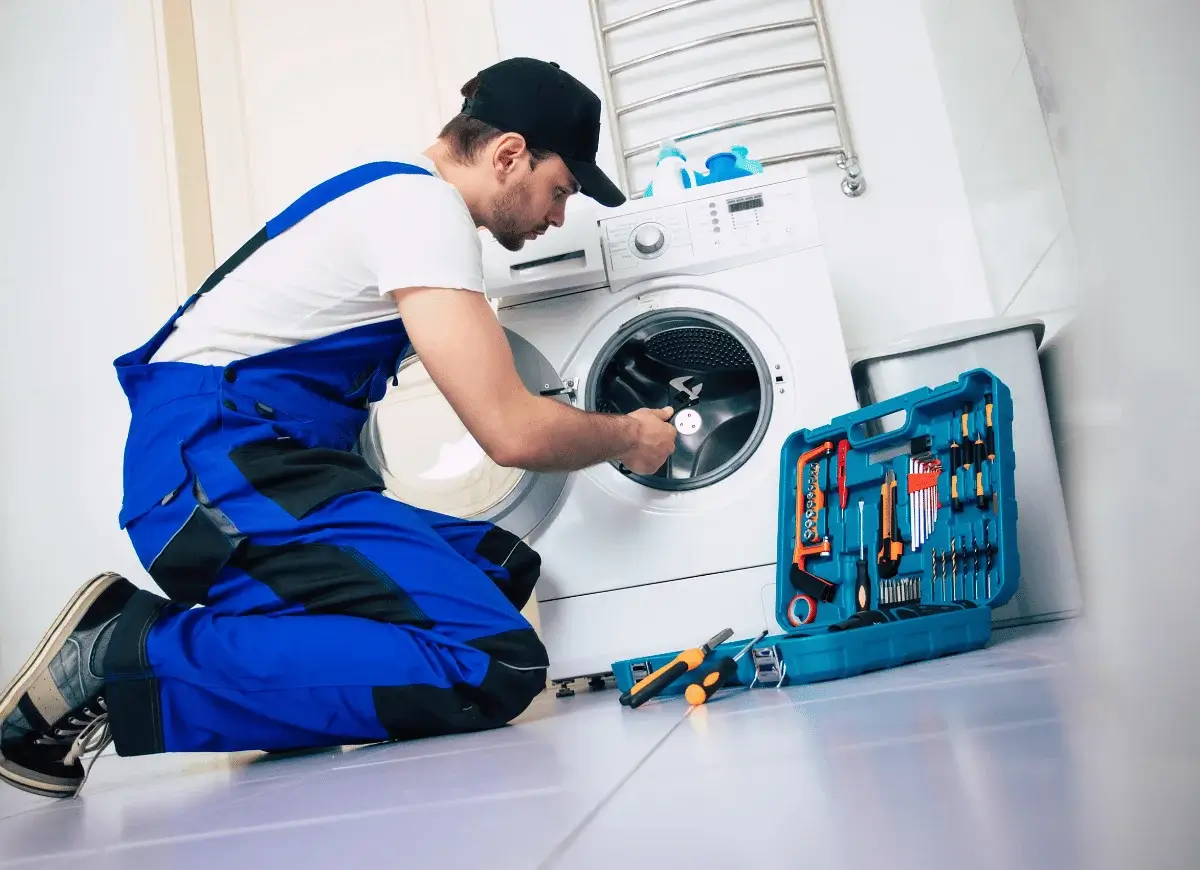
When to Call a Professional
While many issues can be resolved with the steps above, certain situations require expert attention:
- Persistent error codes that return after resetting
- Unusual noises like loud banging, grinding, or squealing
- Significant water leaks that you can’t identify or fix
- Electrical issues such as tripping breakers or sparking
- Motor or heating element errors that don’t resolve with basic troubleshooting
- Any repair requiring opening the machine’s internal electronics
For professional assistance, contact the Daewoo Service Center in UAE at 052 580 3525 or email info@daewoo-service-center.com. Our certified technicians use genuine Daewoo spare parts and are trained to diagnose and repair all Daewoo washing machine models.